VESTEL DualWave
A dual-platform companion app for a 6-person Vestel team — a React Native mobile app and a Kotlin/Jetpack Compose Wear OS app with full feature parity.
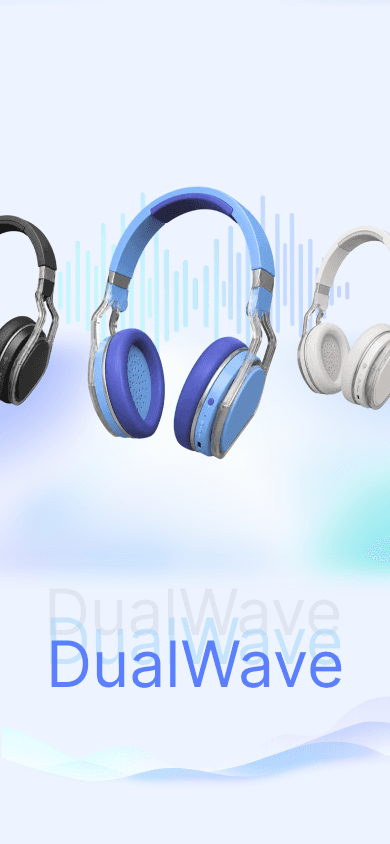
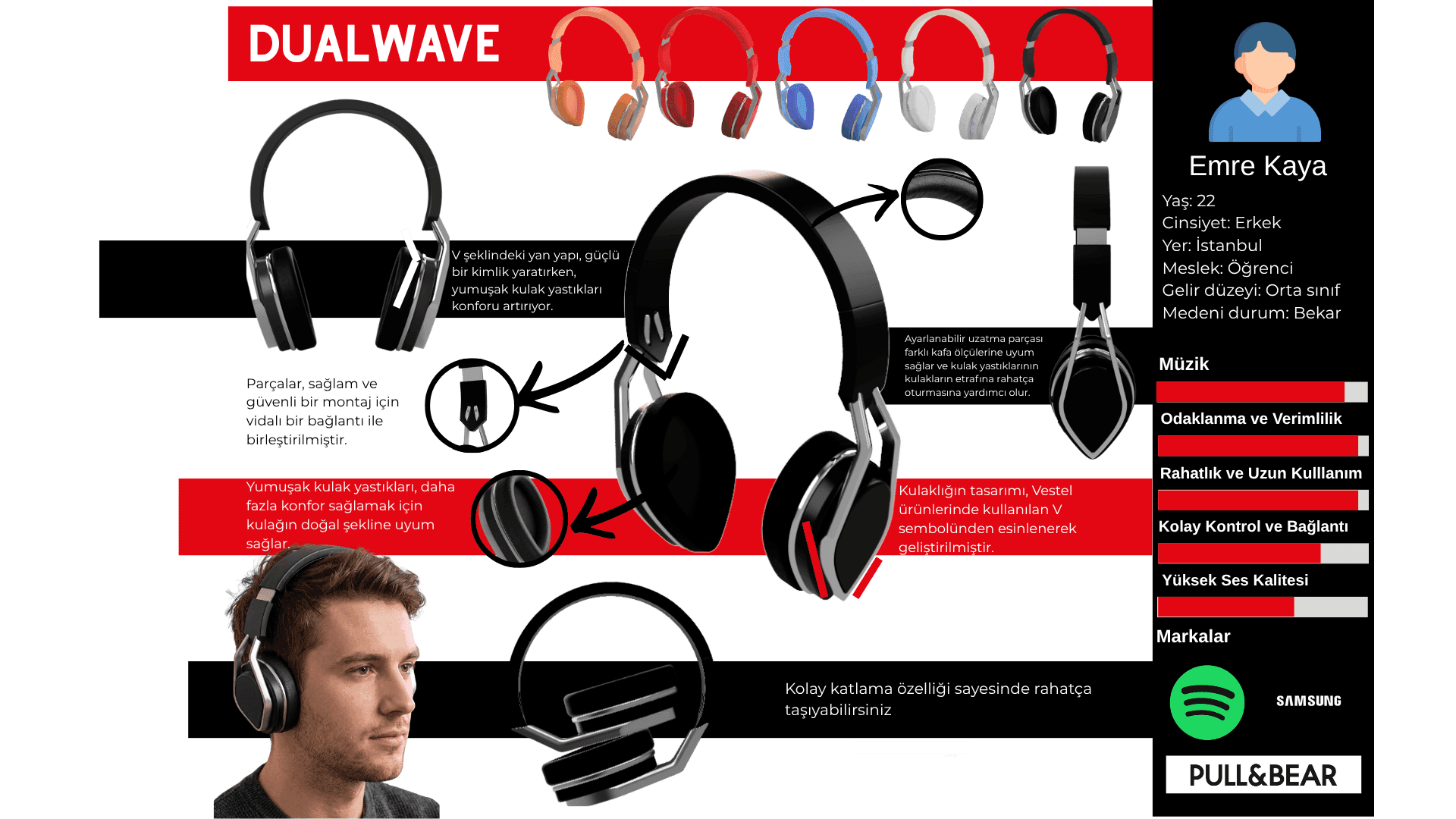
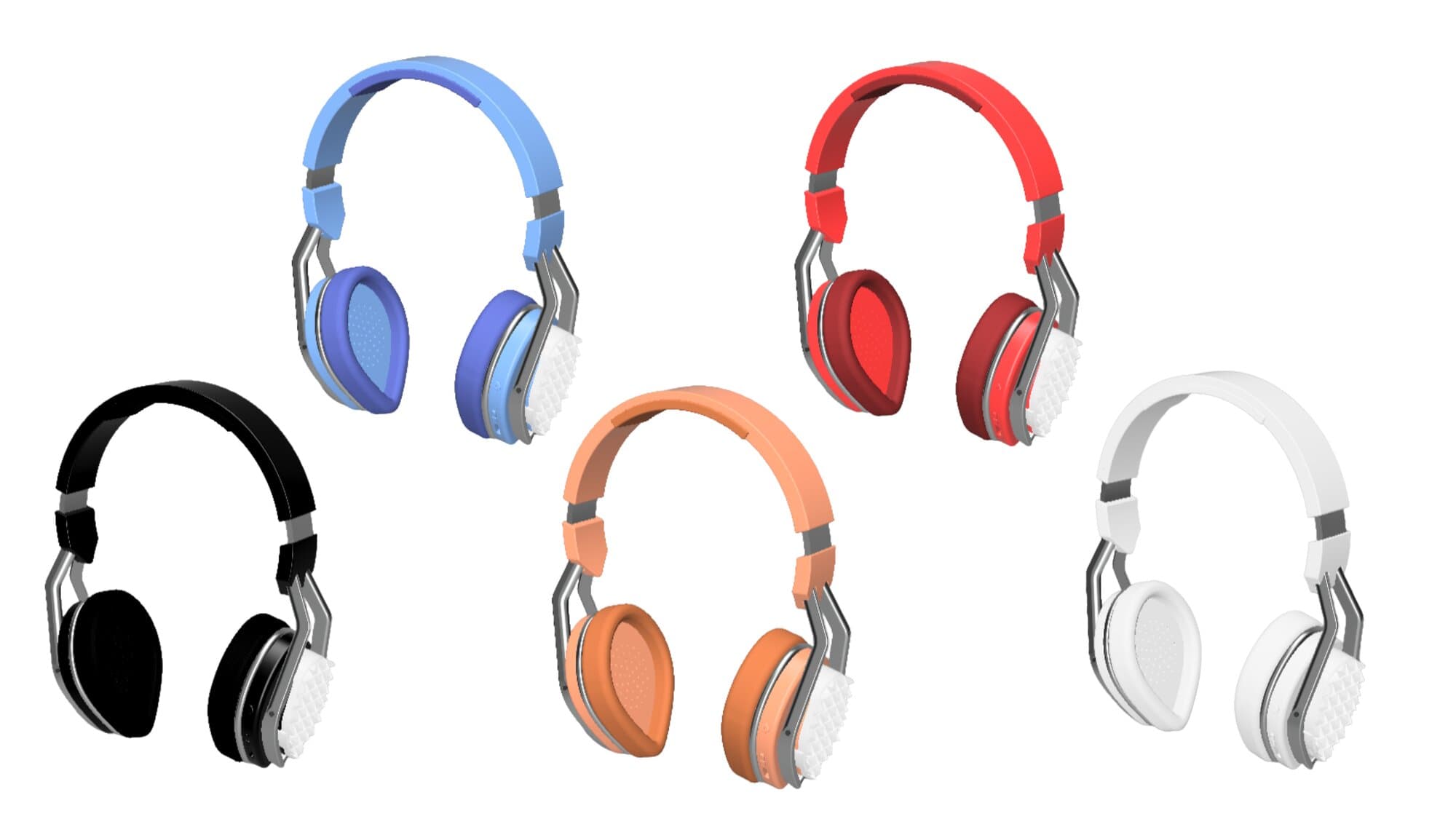
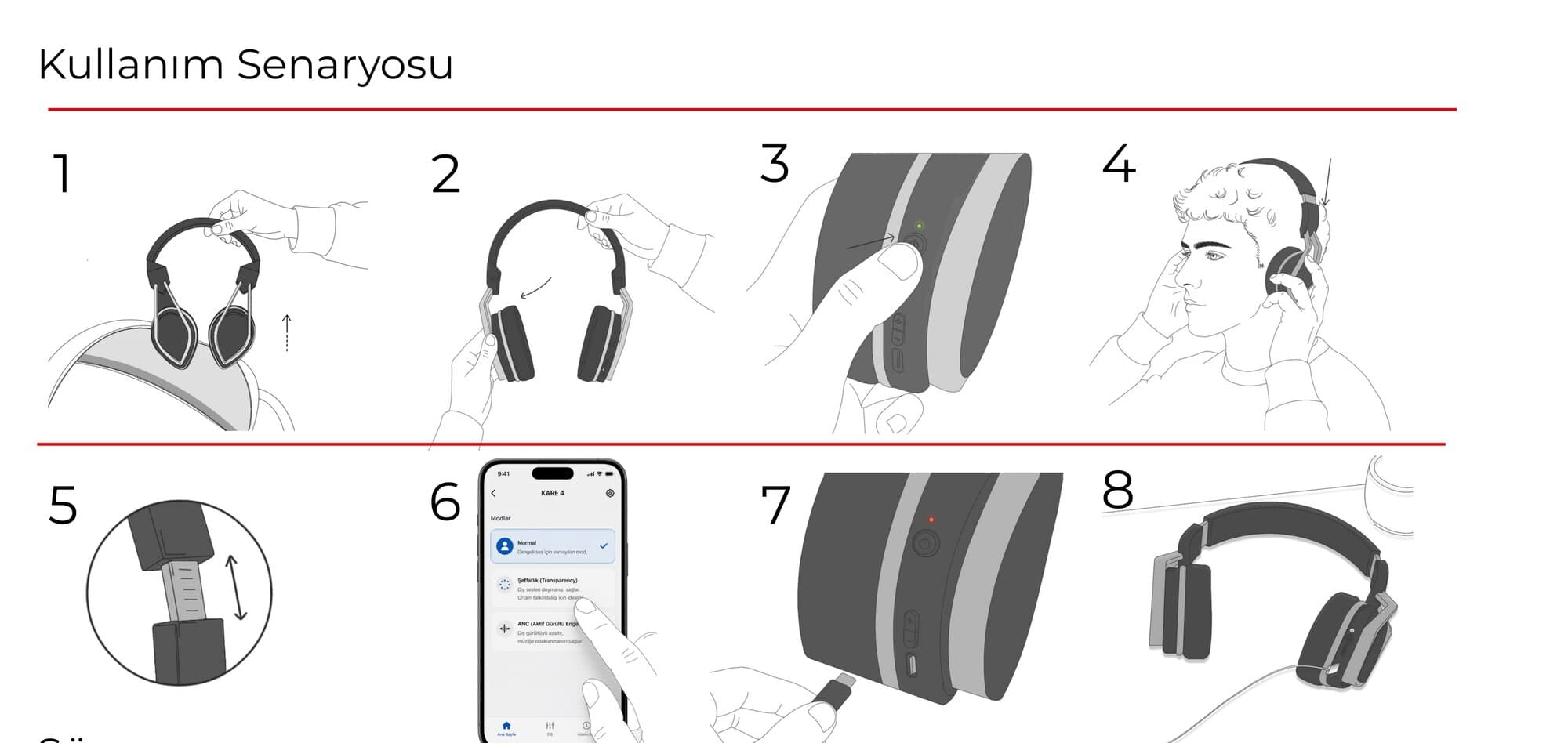
DualWave pairs a phone app with a Wear OS watch app for a Vestel headphone whose foldable, V-shaped side panels echo the Vestel logo, with a swivel hinge that lets the earcups fold flat for carrying. Physical controls on the side — a power button, volume keys, a Type-C charging port and an LED that turns red on low battery and green when full — mirror the same status the apps expose, so switching ANC modes, checking battery or locating a misplaced headphone works the same from the phone, the watch or the headphone itself.
Core Features
The product, the app and the watch — one design process
Customize Headphone Experience
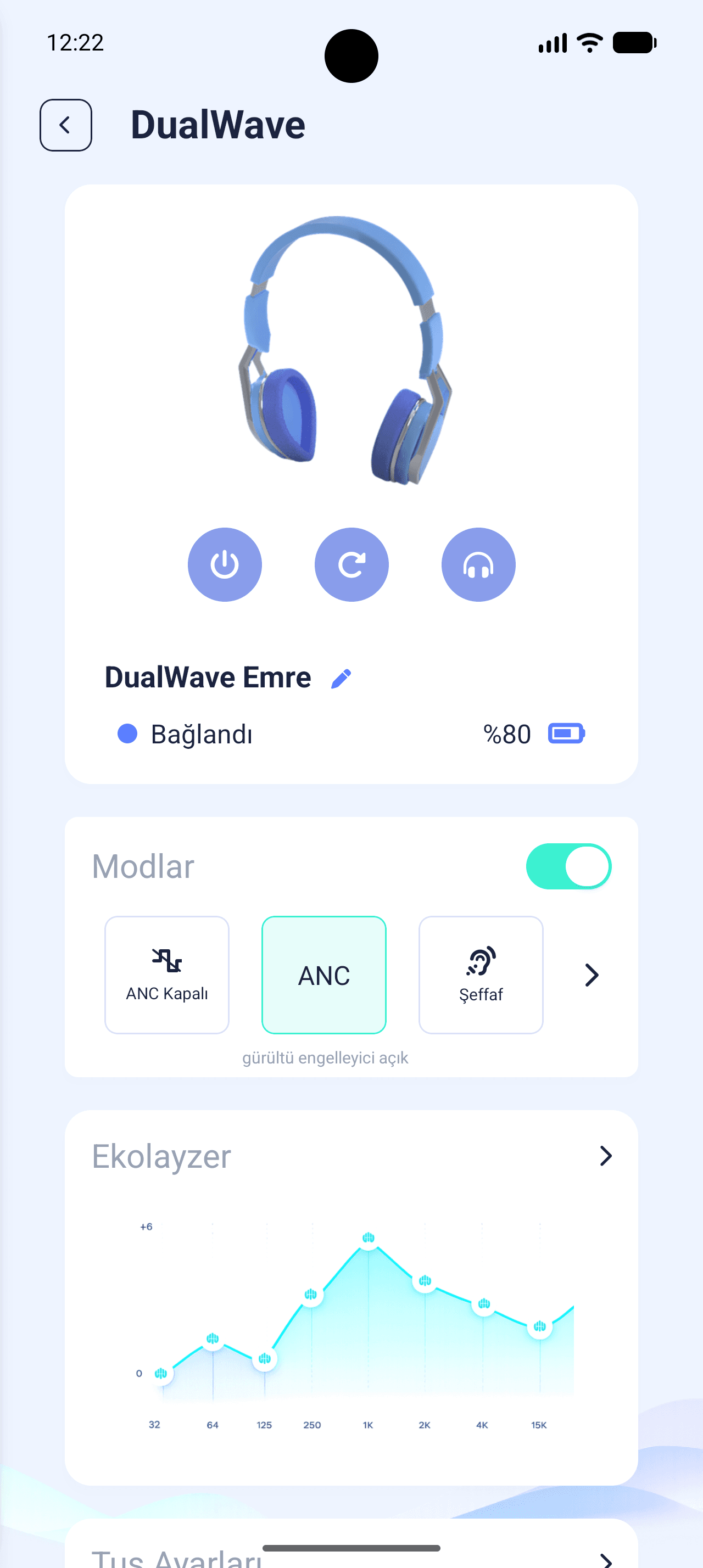
An 8-band interactive EQ with presets and bass boost, ANC and transparency modes, and volume and ANC buttons that can each be reassigned.
Find my Headphone
Last known location on a map, with play sound, mute and a find-direction flow that asks for confirmation before starting navigation.
Smartphone App (14 Screens)
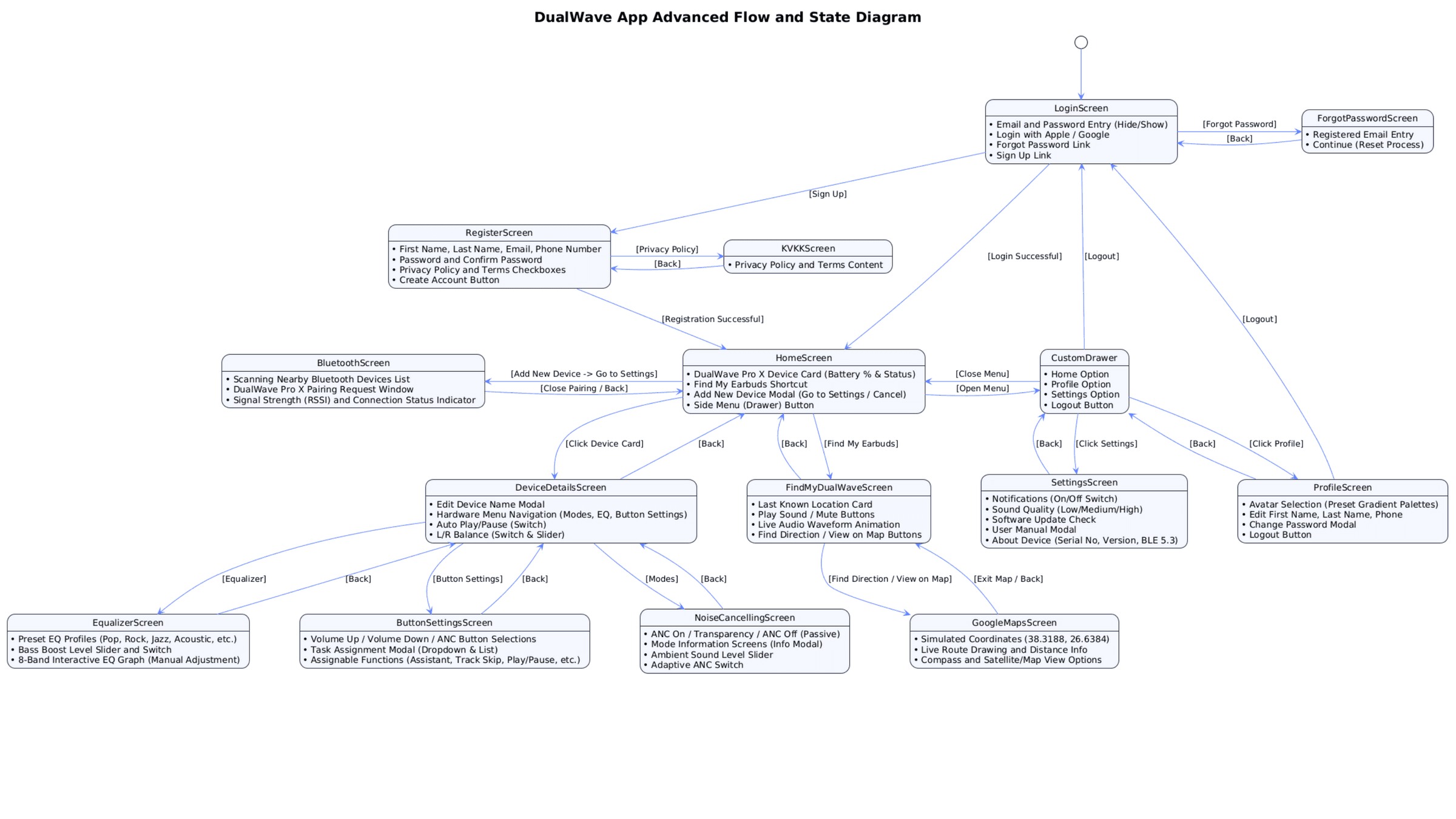
Fourteen screens — from login and KVKK consent to equalizer, noise cancelling and maps — mapped as a flow and state diagram before any visual design.
Smartwatch Integration (9 Screens)
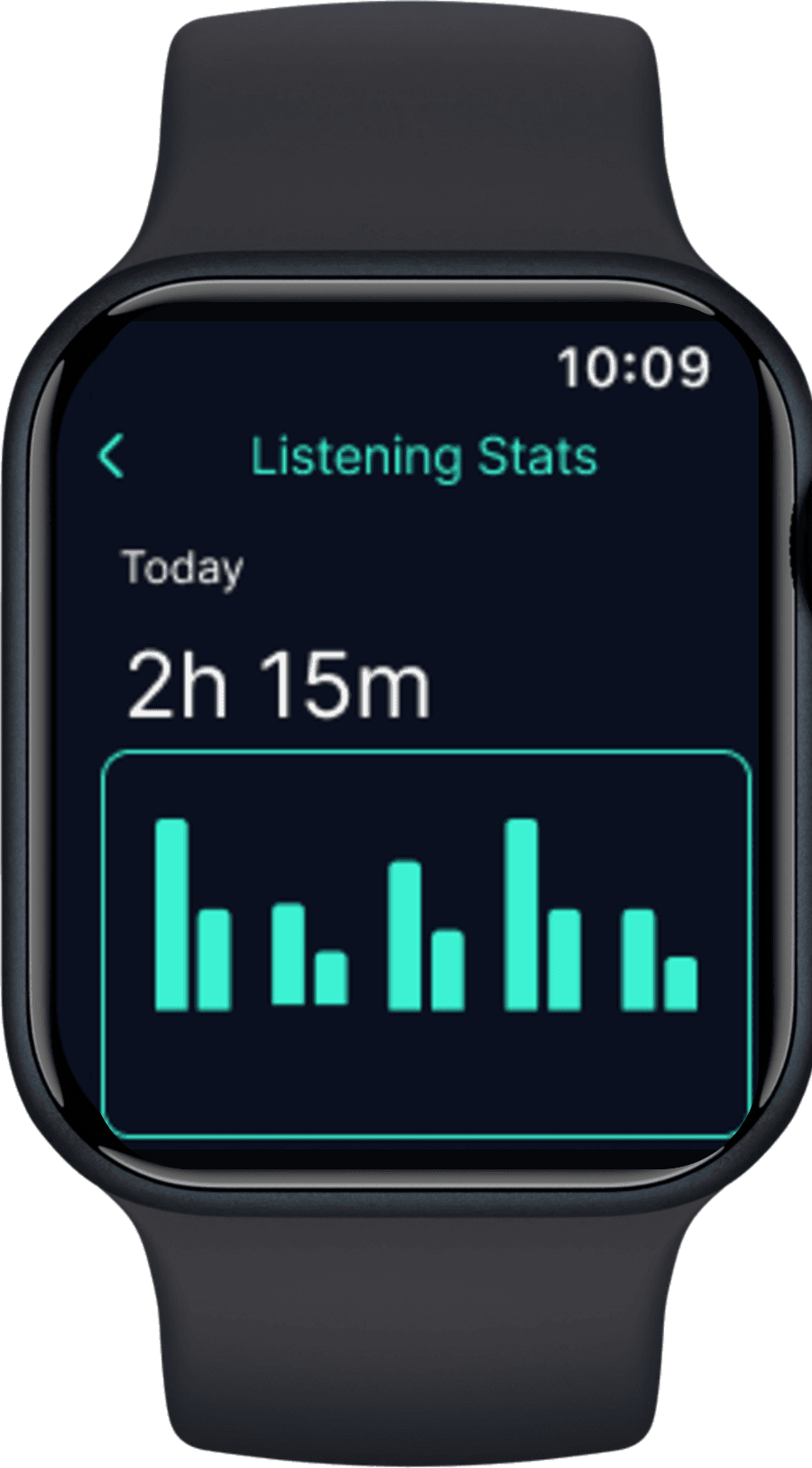
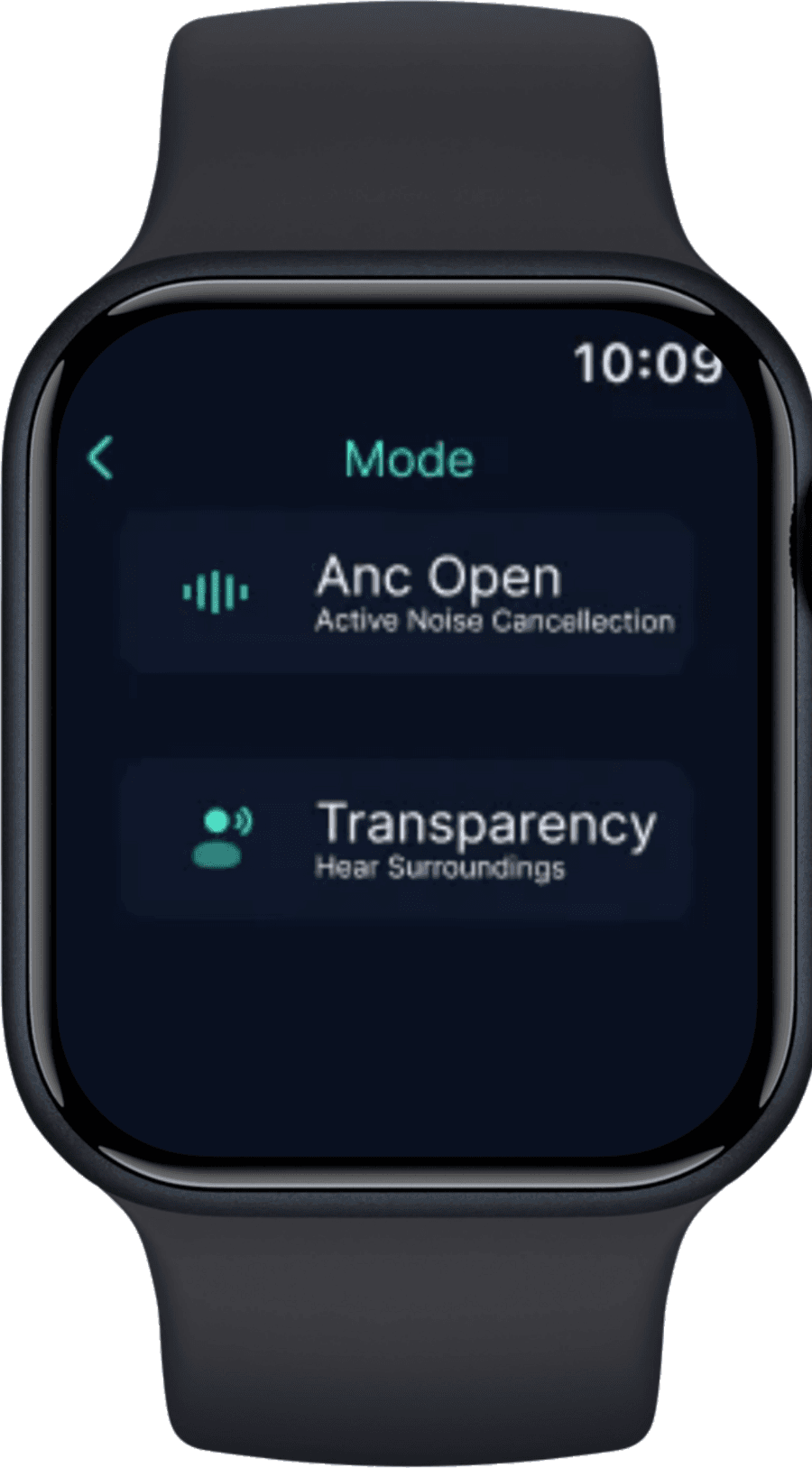
Nine watch screens covering battery, ANC modes, an arc volume dial, find my headphones, listening stats and settings — without reaching for the phone.
Physical Device
A V-form headphone with an adjustable extension, a hidden swivel, 3D spacer mesh cushions and a side panel carrying Type-C and an LED battery indicator.
Error-First Design
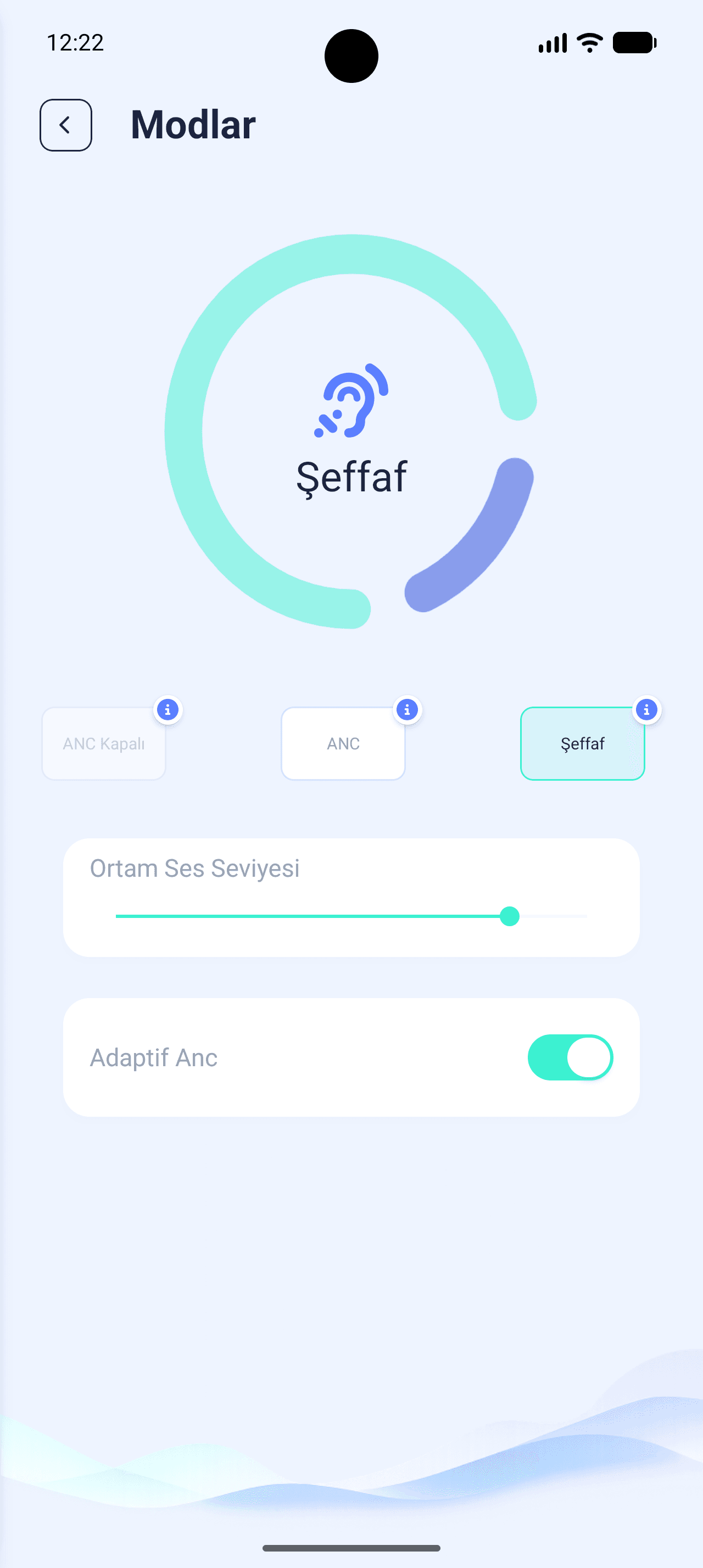
Every risky step is explained before it runs — Bluetooth redirects, ANC mode info cards, and a cancel next to every confirm.
Mood Board & Visual Identity
App Experience
Smartwatch & Smartphone — same flow, two platforms
Onboarding & Dashboard
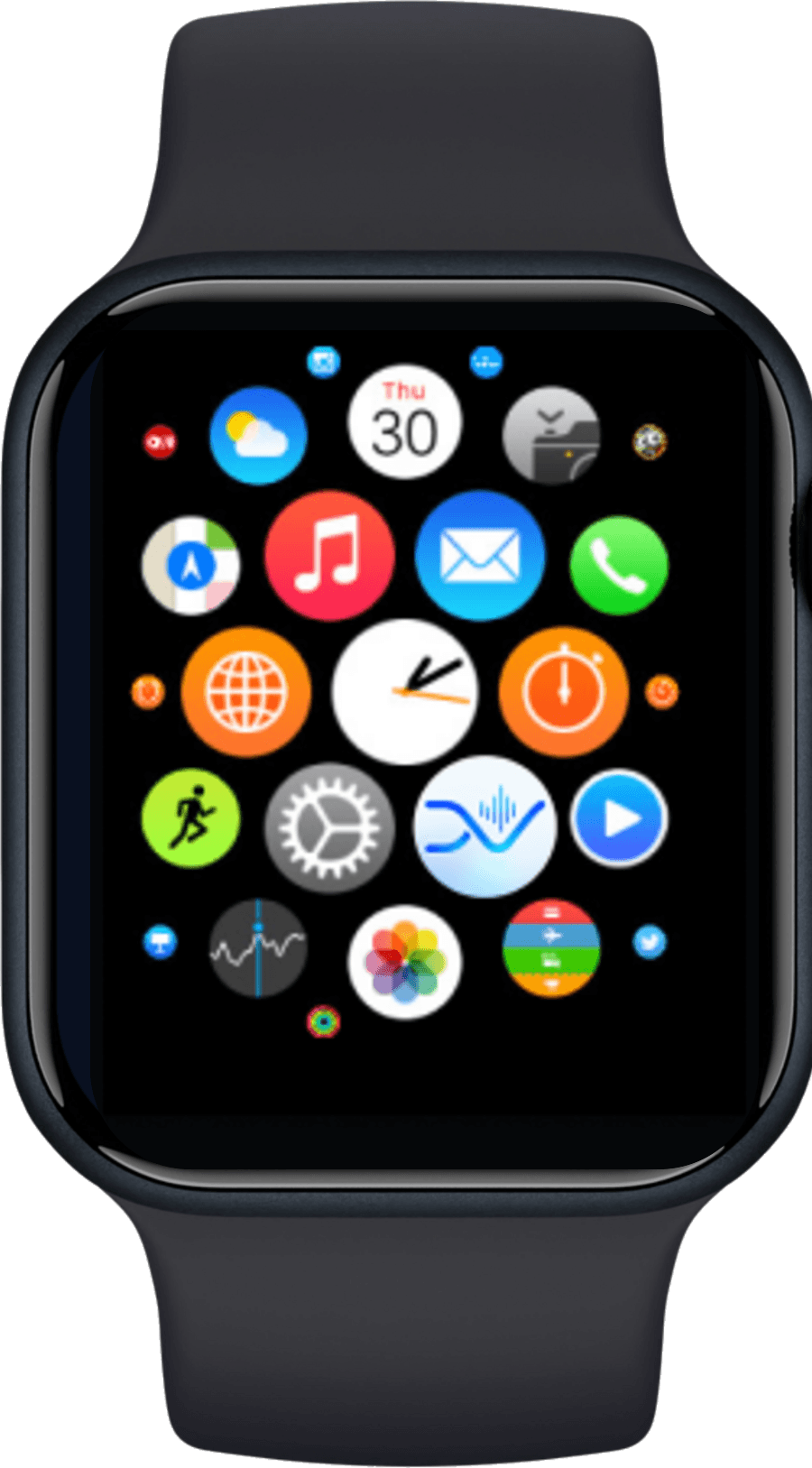
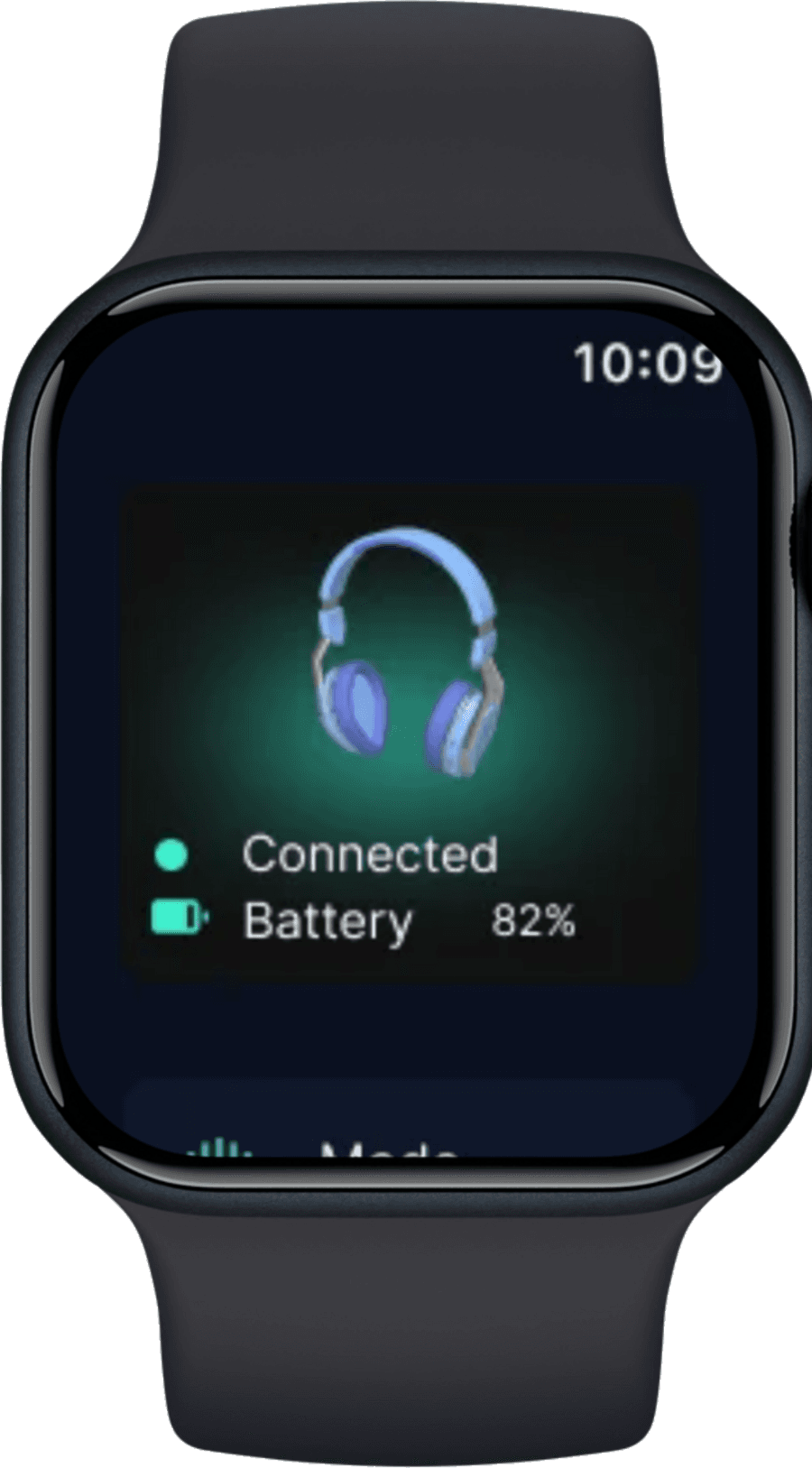
Splash, sign-in with Apple or Google and the device list, with the Bluetooth redirect explained before a new device is added — while the watch app searches for the same headphone and confirms the connection.
Account & Settings
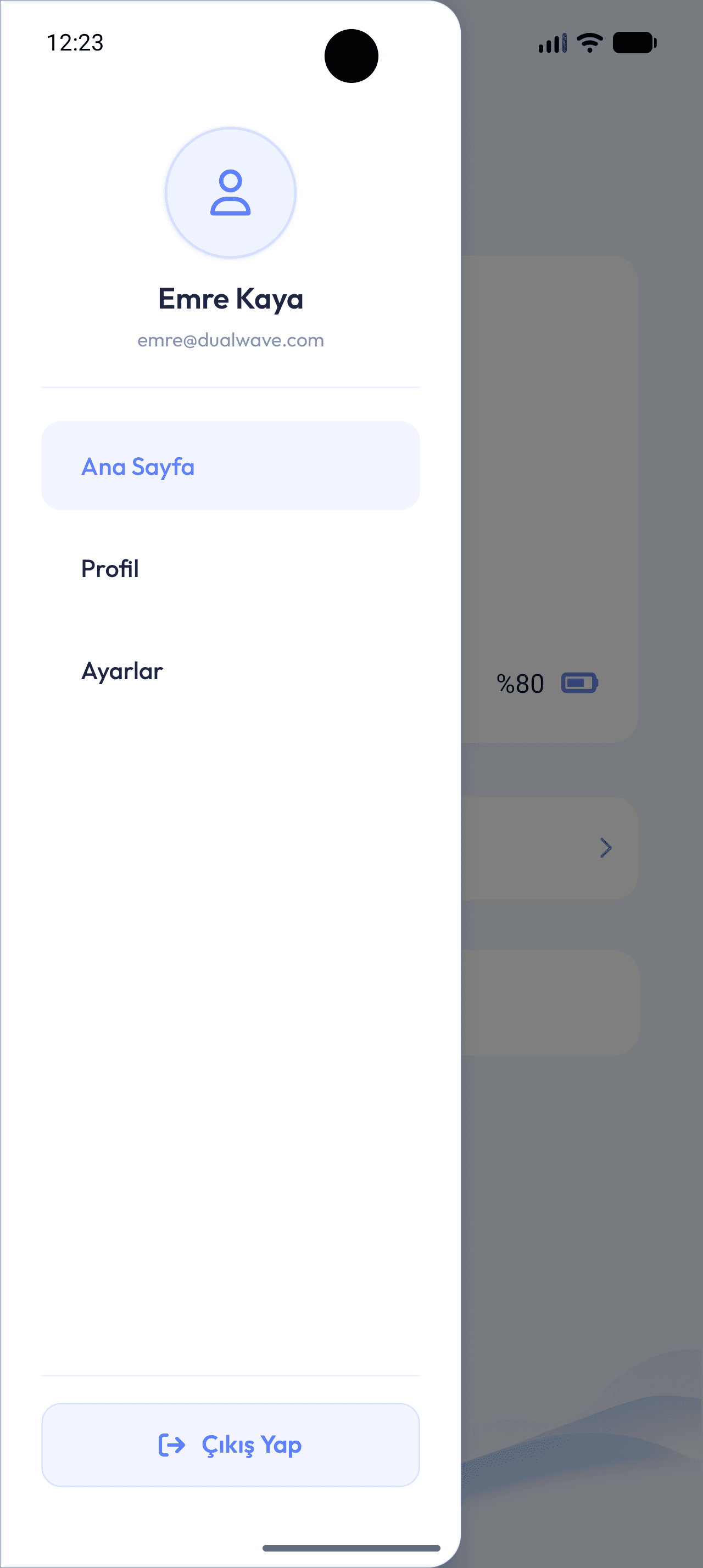
A side drawer opens the profile — name, phone, password — and the settings screen holding notifications, sound quality, the user manual and software update, with listening stats and its own settings on the watch.
Headphone Settings
The device page gathers connection state, battery, quick mode switching and renaming, with button gestures and Find My Headphone — last known location, play sound, directions — one level deeper; the watch carries the same status and search on the wrist.
Sound Modes & Control
ANC, transparency and off switch from an arc control that explains each mode before it is applied, while the phone's 8-band equalizer becomes a circular volume dial on the wrist.
Interaction Maps & Flows
Physical Product Design
Story Board
Design Details
Design Process
- Persona-led start: Emre Kaya, 22, student in Istanbul
- Hand-drawn wireframes fixing the information architecture
- Version 1 → Version 2 iteration on layout and navigation
- Palette moved from dated options to a younger, dynamic one
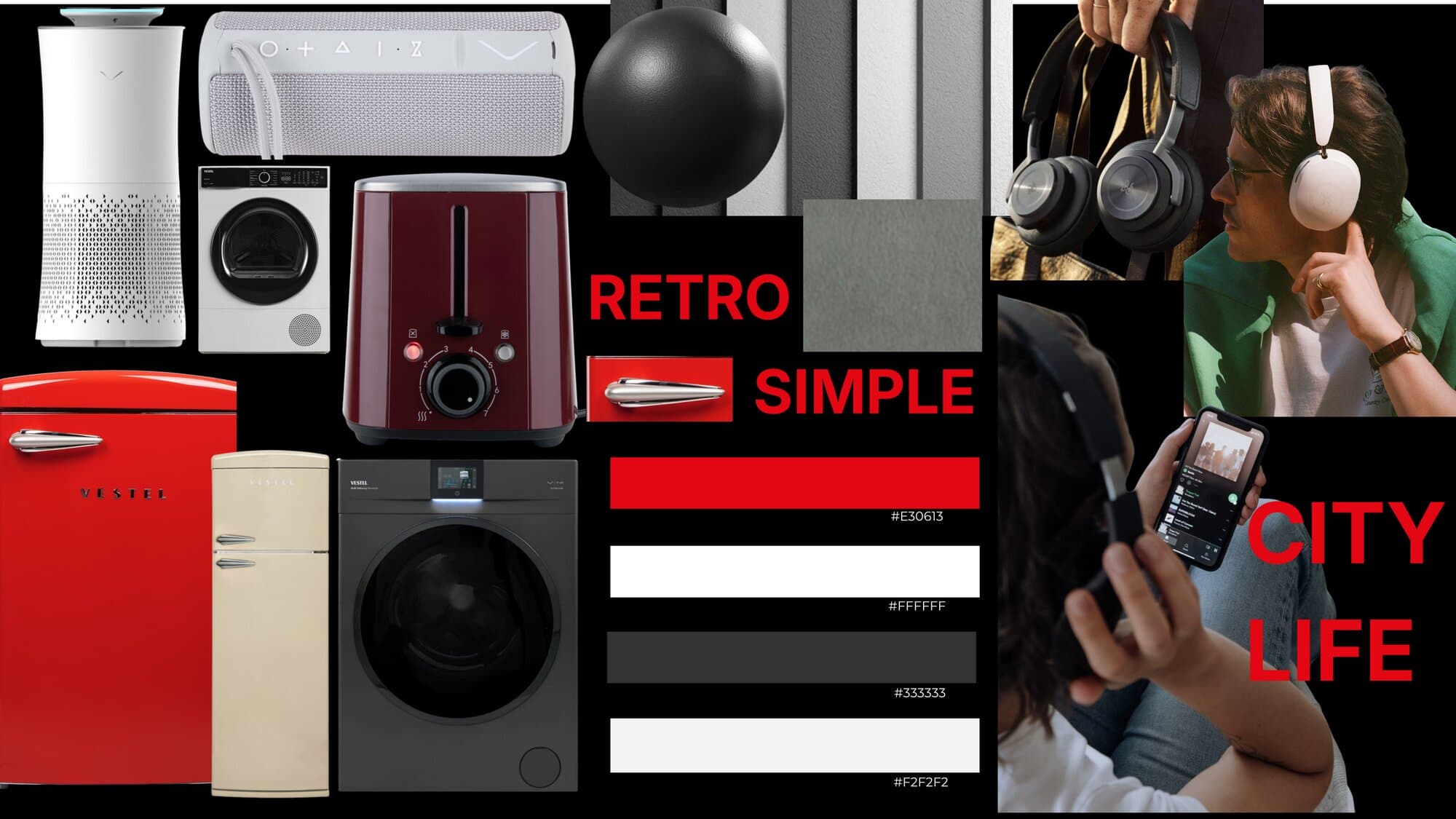
- Mood board built on Vestel's retro–simple–city–life language
- 14-screen flow and state diagram before any visual design
Product Design
- V-form side structure taken from Vestel's brand symbol
- Adjustable extension fitting different head sizes
- Hidden swivel — earcups turn inward when carried on the neck
- 3D spacer mesh cushions: breathable, quick-drying, lightweight
- Side panel: power, volume keys, Type-C, LED battery indicator
- 2 × Ø40 mm drivers, ANC chip, Li-Po battery, 2–4 microphones
Interaction Design
- 14 app screens and 9 watch screens on the same flow
- Arc-based control for ANC on the phone, volume on the watch
- An info card for every ANC mode before it is switched on
- Confirm dialog before leaving to Bluetooth settings or navigation
- 8-band interactive EQ graph with manual adjustment
- Drawer navigation: home, profile, settings, logout